Best ADHD Apps in 2026: 7 Tools Tested by an ADHD Researcher
Disclaimer: This review is based on hands-on testing, community feedback, and my professional background in cognitive psychology. While I am the founder of Thawly, this is an honest assessment of the entire landscape. Different brains need different tools.
The best ADHD productivity tools address the specific bottleneck of executive dysfunction — not just organization, but task initiation, time awareness, and dopamine-compatible workflow. Traditional productivity apps (Todoist, Notion) assume functioning executive systems and can actually worsen ADHD paralysis by presenting overwhelming task lists. The most effective ADHD tools reduce decision load, externalize working memory, and provide activation energy through features like micro-step decomposition, body doubling, and visual timers.
The biggest lie the productivity industry sells us is that if you just find the right app, your life will finally be organized.
If you have ADHD, you already know this isn't true. You've probably downloaded Notion, spent three hours hyperfocusing on building the perfect "Ultimate Life Dashboard," and then never opened it again.
Why? Because 99% of productivity apps are built on a fatal assumption: they assume you can initiate tasks. They assume that if they organize your to-do list perfectly, you will simply look at the top item and do it.
But for an ADHD brain, the gap between "knowing what to do" and "doing it" isn't an organization problem. It's a neurochemical barrier. When you're dealing with task paralysis, the most beautiful Kanban board in the world is just a list of things you're failing at.
To find the actual best ADHD productivity tools in 2026, we need to look at the four stages of getting things done:
- Planning: Figuring out what to do and breaking it down.
- Scheduling: Figuring out when to do it safely.
- Initiation: Crossing the barrier from "thinking about it" to "doing it."
- Execution: Sustaining focus until it's done.
No single app does all four well. The secret is combining the right tools for your specific bottlenecks. Here are the 7 best tools for ADHD brains right now, categorized by the exact problem they solve.
1. Goblin Tools: Best for Planning & Task Breakdown
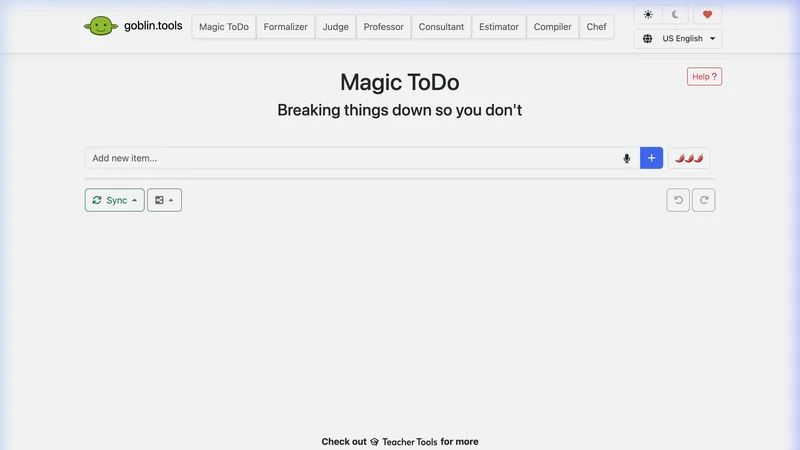
Goblin Tools took the neurodivergent internet by storm, and for good reason. It's not a single app, but a collection of free, AI-powered mini-tools designed specifically to help with executive dysfunction.
Its flagship feature is Magic ToDo. You type in a daunting task like "Clean the kitchen," and the AI breaks it down into step-by-step instructions. You can even choose the "spiciness" level — if you're deeply overwhelmed, crank the spice up and it will break the task down into incredibly granular micro-steps.
Where it shines:
- Completely free on the web (mobile apps cost a few dollars once).
- No setup required. You don't need to build a system or learn a framework.
- The "Formalizer" tool is a godsend for translating frustrated ADHD thoughts into professional emails.
Where it falls short:
- It solves the planning problem, not the initiation problem. Once you have the broken-down list, you still have to look at it and force yourself to start.
- It doesn't save your sessions unless you explicitly manage them. It's a temporary brain-aid, not a long-term system.
The Verdict: The absolute best free tool for when you know you need to do something, but the task feels too big and nebulous to grasp.
2. Tiimo: Best for Visual Scheduling & Time Blindness

Winner of Apple's 2025 iPhone App of the Year, Tiimo was co-designed with ADHD and autism experts. It completely reimagines the calendar.
Instead of a daunting list of text, Tiimo uses a visual timeline with color-coded, blocky, icon-driven schedules. For the ADHD brain, which struggles profoundly with "time blindness" (the inability to correctly perceive how time passes), this visual representation is a game-changer.
Where it shines:
- Replaces abstract time with concrete visual blocks. You see how much time you have.
- Gentle, non-judgmental notifications that help you transition between tasks (transitions are notoriously hard for ADHD).
- Recently added an AI Co-planner to help outline your day.
Where it falls short:
- The initial setup can be overwhelming. Building your perfect routine takes executive function.
- It is visually loud. For some, this is perfect; for others, it's overstimulating.
- At $7-$12/month, it's an investment, and the free version is quite limited.
The Verdict: If you constantly lose track of time or feel like your day just "evaporates," Tiimo provides the visual scaffolding your brain needs.
3. Thawly: Best for Task Initiation & Paralysis
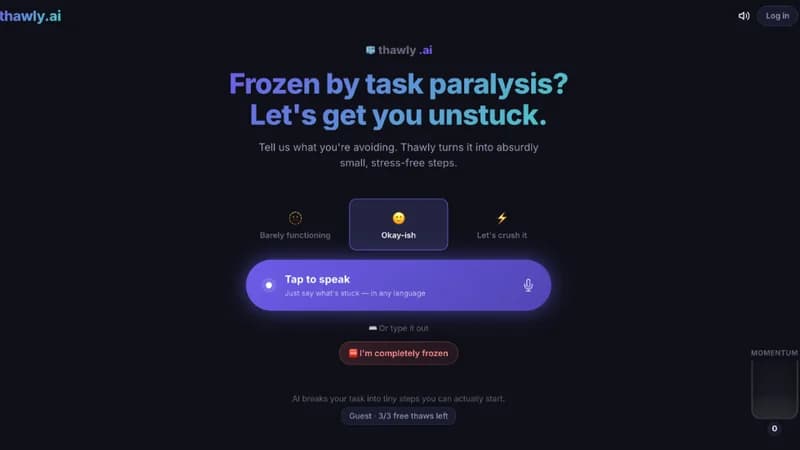
(Full disclosure: I built Thawly. I built it specifically because the other tools on this list couldn't solve my core problem.)
If Goblin Tools helps you figure out the steps, and Tiimo tells you when to do them, Thawly solves the most painful gap: actually starting — and keeping going.
Most AI tools in this space generate a bulleted list of sub-tasks and then abandon you to complete them alone. Thawly is fundamentally different. It's a continuous execution engine: it doesn't just break your task down, it holds your hand through every single micro-step from start to finish.
Here's how it works: you tell Thawly what you're stuck on, and it gives you exactly one micro-step — something so small your brain's resistance doesn't even activate. You don't see step 2 until you click "I did it." Then it brings you back to a checkpoint: keep going, or stop here. It's true executive function outsourcing — not just task breakdown, but task guidance.
We also built a feature specifically for decision paralysis: Brain Dump. When you're paralyzed by seventeen competing priorities and can't decide what to do first, you pour everything into the text box. Thawly randomly picks one item — like opening a blind box — and immediately breaks it into a micro-action. No prioritizing. No agonizing over what's "most important." Just pure momentum.
Where it shines:
- Zero setup: No systems to build, no calendars to organize. You type what you're stuck on, and it immediately starts guiding you.
- Continuous hand-holding: Unlike tools that dump a list and disappear, Thawly walks you through every step with checkpoints. It's the difference between getting a map and having a guide.
- Brain Dump for decision paralysis: Bypasses the "what do I start first?" freeze entirely.
- Context-aware: It adjusts its breakdown based on whether you're experiencing brain fog, burnout, or paralyzing anxiety.
Where it falls short:
- It is not a task manager. It won't remember your grocery list for next Thursday.
- It doesn't sync with Google Calendar or Apple Reminders (by design — integration adds friction).
The Verdict: When your brain is completely frozen and traditional productivity advice ("just start!") makes you want to scream, Thawly is the tool that holds your hand until you're moving again. Not just an emergency un-freezer — a continuous execution companion.
Stuck on something right now?
Stop reading about it — try it. Thawly breaks your task into one tiny step you can do right now.
Free · No signup · 3 seconds4. Focusmate: Best for Execution & Accountability
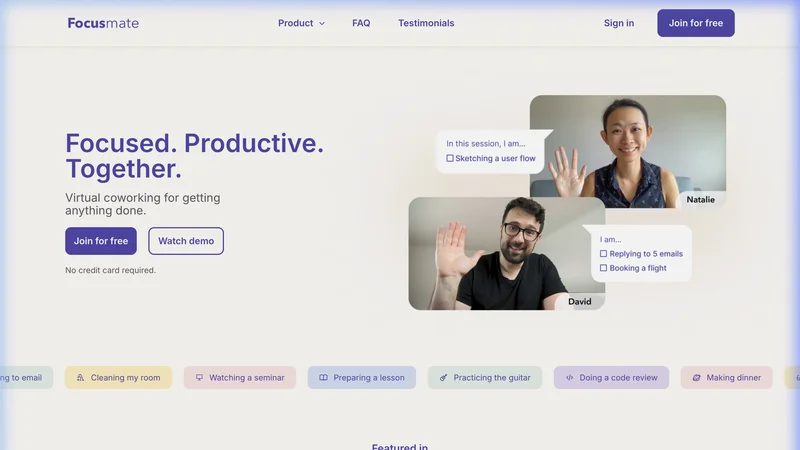
"Body doubling" is an ADHD superpower. It's the psychological phenomenon where the mere physical or virtual presence of another person makes it drastically easier to stay on task.
Focusmate institutionalizes this. You book a 25, 50, or 75-minute session. At the exact start time, you are connected via video with a stranger somewhere else in the world. You say hello, state your goal for the session ("I'm going to write 500 words"), mute your microphones, and work in companionable silence.
Where it shines:
- Unbeatable external accountability. You show up because another human is waiting for you.
- Eliminates the "I'll do it in 5 minutes" procrastination loop.
- Highly structured. The rigidly enforced start and end times bypass your brain's loose relationship with time.
Where it falls short:
- You have to be comfortable being on camera with a stranger (though direct interaction is minimal).
- It requires planning ahead. If you need to focus right now, you might have to wait 15 minutes for the next available session block.
- Occasional partner no-shows can disrupt the momentum.
The Verdict: If you find you can only work when someone is watching or when a deadline is screaming at you, Focusmate manufactures that accountability safely and reliably.
5. Forest: Best for Distraction Blocking
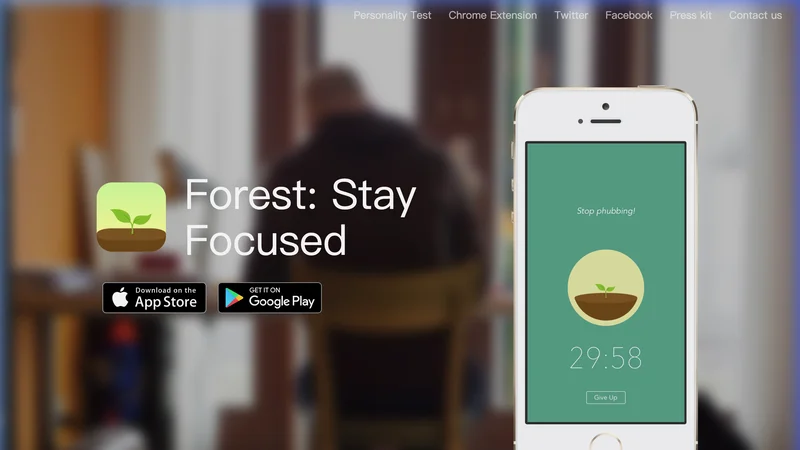
The ADHD brain is uniquely vulnerable to the dopamine slot-machine of a smartphone. Forest tackles this with light, immediate gamification.
When you want to focus, you plant a virtual seed in the app. Over the next 25 minutes (or however long you set), the seed grows into a tree. But if you exit the app to check X (Twitter) or Instagram, your tree withers and dies. Over time, you build a visual "forest" representing your focused time.
Where it shines:
- Provides immediate, visual consequences for getting distracted. The ADHD brain responds much better to immediate feedback than long-term goals.
- You earn virtual coins that can be spent to plant actual real-world trees through their charity partners.
- Highly affordable (one-time $3.99 purchase on iOS).
Where it falls short:
- The novelty can wear off. Once your ADHD brain gets used to the guilt of killing virtual trees, it might stop caring.
- It only blocks your phone. You can easily just open a new tab on your laptop and get distracted there.
The Verdict: The best low-friction way to break the subconscious habit of picking up your phone every 3 minutes.
6. Todoist: Best for Quick Task Capture
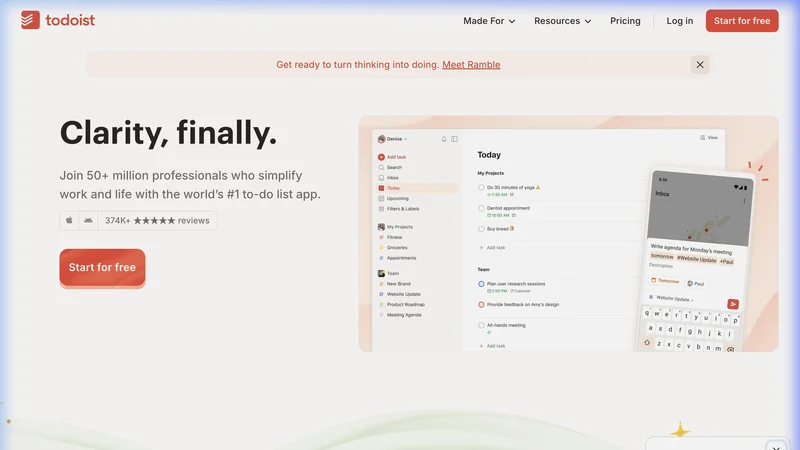
If you are going to use a traditional task manager with ADHD, it needs to get out of your way as quickly as possible. Todoist is the undisputed king of low-friction capture.
Because ADHD involves severe working memory deficits, if you don't write down a thought the second you have it, it's gone. Todoist's natural language processing means you can open it and type "Buy milk next Tuesday at 5pm #errands" and it automatically parses the dates, times, and tags instantly.
Where it shines:
- The fastest task capture in the industry to offload your working memory.
- The "Today" view acts as a great anchor to prevent getting overwhelmed by future tasks.
- Highly reliable location-based and time-based reminders.
Where it falls short:
- It is essentially an empty box. If you don't have the executive function to regularly clean and organize the box, it will become a graveyard of overdue tasks that trigger shame.
- Core features (like essential reminders) are locked behind the $4/month Pro paywall.
The Verdict: The safest "infrastructure" tool for ADHD, provided you commit to keeping it ruthlessly simple and don't over-categorize.
7. Inflow: Best for ADHD Education & Coaching
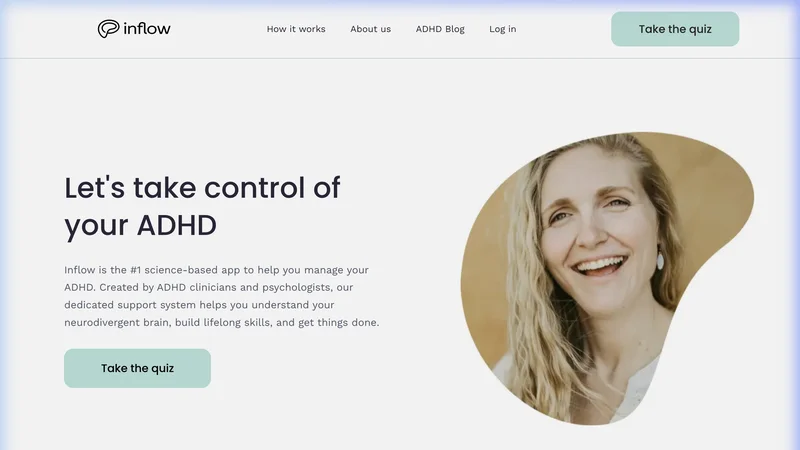
Inflow isn't a productivity app in the traditional sense; it's a science-based digital program based on Cognitive Behavioral Therapy (CBT).
Instead of just giving you a place to put your tasks, Inflow teaches you why your brain works the way it does. It offers bite-sized, audio-guided modules on things like impulsivity, time blindness, and emotional regulation, paired with interactive journaling and a supportive community.
Where it shines:
- Backed by clinical science. It addresses the emotional and psychological roots of ADHD, not just the surface symptoms.
- The built-in community and access to expert Q&As provide immense validation ("I'm not the only one who does this").
- Higher tiers offer access to actual executive function coaching.
Where it falls short:
- At $22 to $48 per month, it is the most expensive tool on this list.
- It's a long-term play. It won't help you finish the report that is due in two hours.
The Verdict: If you are newly diagnosed, or if you feel profound shame around your ADHD symptoms and need to understand the "why" behind your struggles, Inflow is an incredible investment.
Summary: Building Your ADHD Tech Stack
Please, do not download all seven of these apps today. That is a recipe for instant overwhelm.
Instead, identify which of the 4 stages of productivity is your biggest bottleneck right now:
- If you can't figure out the steps: Use Goblin Tools.
- If your days lack structure or time escapes you: Try Tiimo.
- If you are completely paralyzed and can't start: Open Thawly — it holds your hand through every step, not just the first one.
- If you start but immediately get distracted: Use Focusmate or Forest.
- If you're forgetting everything: Capture it in Todoist.
- If you need to understand your brain better: Invest in Inflow.
Remember: the goal of an ADHD tool isn't to make you neurotypical. The goal is to provide external scaffolding for the executive functions your brain didn't bring to the party.
Pick the one tool that solves your most painful problem today, and start there.
Looking for an ADHD Planner Specifically?
If your main struggle is planning and executing daily tasks (not just productivity apps), see our comprehensive Best ADHD Planner in 2026 guide — which covers paper planners, digital planners, and AI execution engines ranked by how well they handle executive dysfunction. We also have a head-to-head comparison of ADHD planner apps if you want a detailed feature comparison.
Try These Targeted Tools
If you're struggling right now, these scenario-specific tools can help you take the first step:
- ADHD App Hopping: Why No Tool Ever Lasts — Get instant micro-steps tailored to this specific situation.
- ADHD Task Paralysis Breakthrough Tool — Get instant micro-steps tailored to this specific situation.
- ADHD Cleaning Planner & Task Breakdown — Get instant micro-steps tailored to this specific situation.

Sean Z. holds a Master's degree in Cognitive Psychology. He spent 7 years in academic research focused on human cognition, followed by 10+ years designing products and services in the applied psychology space. He built Thawly after years of firsthand experience with ADHD task paralysis — combining academic understanding of executive function with the daily reality of living with it. About the Author → LinkedIn
Looking for more specific strategies?
Explore 115+ targeted tools for specific ADHD scenarios.
Browse the ADHD Toolkit →